Product design that makes the complicated part feel obvious.
Research, flows, interface design and a design system your engineers can actually build from, for products where people have a job to finish, not a page to admire.
- Research before pixels
- Prototypes you can test
- Handoff engineers trust









The signs a product needs design, not more features.
Design problems rarely announce themselves. They show up as support tickets, drop-offs and screens nobody can agree on.
- 01
People drop off at the same step
Sign-up, checkout or setup loses users, and nobody is sure why.
- 02
Support explains the product daily
The same questions arrive every week, because the interface doesn't answer them.
- 03
Every screen looks a little different
Buttons, spacing and patterns are reinvented by whoever builds the next feature.
- 04
Engineers guess at the details
Designs skip the empty, error and loading states, so the code fills the gaps.
- 05
A new product needs to be right
You're about to build something new and want it tested before money goes into code.
- 06
The product outgrew its look
It now serves bigger customers, but still feels like the early version.
Design the whole thing, or fix what's losing people.
A full design engagement and a targeted intervention need different budgets and different evidence. Most teams ask for the first when they need the second.
| Consideration | End-to-end design | Audit and targeted redesign |
|---|---|---|
| Right when | End-to-end designYou're building something new | Audit and targeted redesignSomething specific clearly isn't working |
| Starts with | End-to-end designResearch and flows before any screen | Audit and targeted redesignData on where users actually drop off |
| Delivers | End-to-end designA full product and a design system | Audit and targeted redesignTwo or three redesigned flows |
| Testing | End-to-end designPrototyped and tested before engineering | Audit and targeted redesignMeasured after release, so you know it worked |
| Engagement | End-to-end designDesign continues through the build | Audit and targeted redesignFocused, then handed to your team |
We'll recommend the smaller one whenever it will do. A sharp fix to the right flow often beats a full redesign.
Design work that changes what gets built.
Not decoration applied at the end. Each of these is a decision-making tool that makes the engineering that follows cheaper and more certain.
- 01
Discovery and UX research
Interviews, usability testing and competitor teardowns, turned into findings your whole team can act on.
- Interviews
- Usability tests
- Teardowns
- 02
Flows and information architecture
Every path through the product mapped, including the errors and empty states that decide how it feels.
- User flows
- Sitemaps
- Edge cases
- 03
UI design
High-fidelity screens with real content and real edge cases, designed on the grid your developers will build on.
- Web apps
- Mobile apps
- Dashboards
- 04
Design systems
Tokens, components and usage rules in Figma, mapped one-to-one to code so the system survives a deadline.
- Tokens
- Components
- Usage rules
- 05
Prototypes
Clickable builds that behave enough to test with users and to settle arguments before they become tickets.
- Clickable flows
- User testing
- Stakeholder reviews
- 06
UX audits and redesigns
A read on where your product loses people, with fixes ranked by impact against the effort to build them.
- Funnel review
- Heuristics
- Prioritised fixes
From a vague brief to screens your team can build with confidence.
Cheap decisions first: flows and grey boxes before colour, and a prototype in real hands before any code.
- 01
Understand
Stakeholder interviews, user conversations and a look at your analytics, to find the real problem.
You get- Findings
- Problem statement
- 02
Map the flows
Every route through the job, including the dead ends. The cheapest place to catch a bad idea.
You get- Flow maps
- Edge-case list
- 03
Wireframe
Grey-box layouts, so we debate hierarchy and content before anyone reacts to a colour.
You get- Wireframes
- 04
Design the system
Type, colour, spacing and components defined once, then the key screens built from them.
You get- Design system
- Key screens
- 05
Prototype and test
A clickable build in front of real users. We watch where they hesitate and fix it.
You get- Prototype
- Test notes
- 06
Hand over and stay close
Specs, a walkthrough, and design review during the build, so what ships is what was designed.
You get- Specs
- Design QA
The parts of design that survive the build.
Pretty screens are easy. What we insist on is design that answers the questions engineering will actually hit on day three.
- Content
Real content
Designed with your longest names and worst data, not placeholder text and three tidy rows.
- States
Every state
Loading, empty, error, partial and offline. Most products feel broken in exactly these moments.
- Layout
Responsive by design
Phone, tablet and desktop decided by us, rather than guessed at by whoever writes the CSS.
- Access
Accessible from the start
Contrast, focus order, target sizes and labels checked while it's still cheap to change.
- System
A documented system
Components with rules about when to use them, so the product still looks like itself in a year.
- Handoff
Design QA
We review the built product against the design and log the differences, the step most teams skip.
Tools that keep design and code in the same conversation.
We work in the file your engineers open and the language they build in, so less is lost between the two.
Design
- Figma
- FigJam
- Variables
- Prototyping
Research
- Interviews
- Usability testing
- Maze
- Surveys
Systems
- Design tokens
- Storybook
- Tailwind
- Code Connect
Evidence
- PostHog
- Hotjar
- Session replay
- Funnels
Accessibility
- WCAG 2.2
- Contrast
- Screen readers
Start where you are, with a fixed quote first.
Every engagement starts with an itemised proposal. Pick the model that fits what you already know.
- 01Discovery sprintThe problem is clear, the solution isn't yet
- 02Fixed-scope buildRequirements are understood and agreed
- 03Dedicated product teamThe product is live and keeps growing
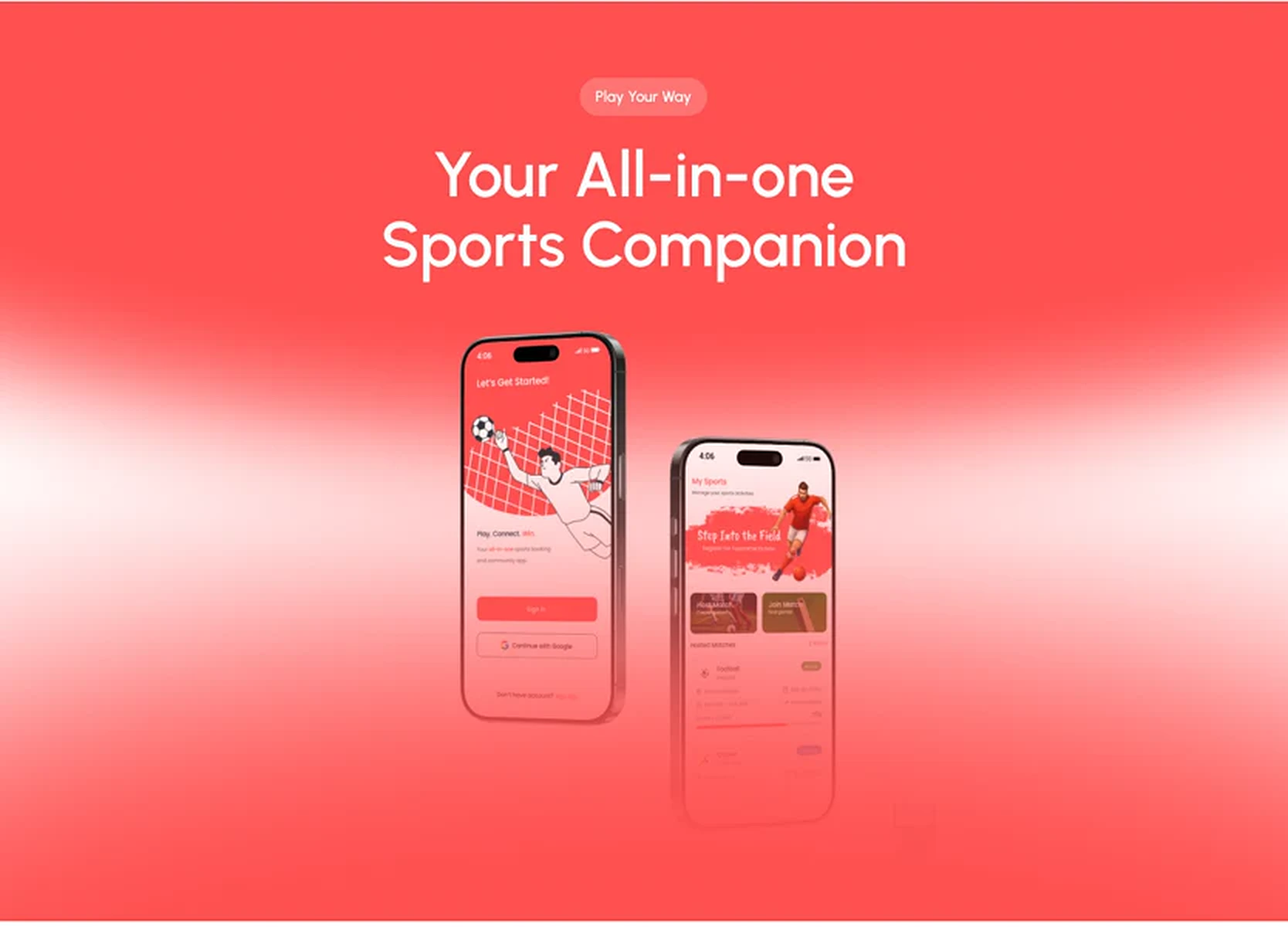
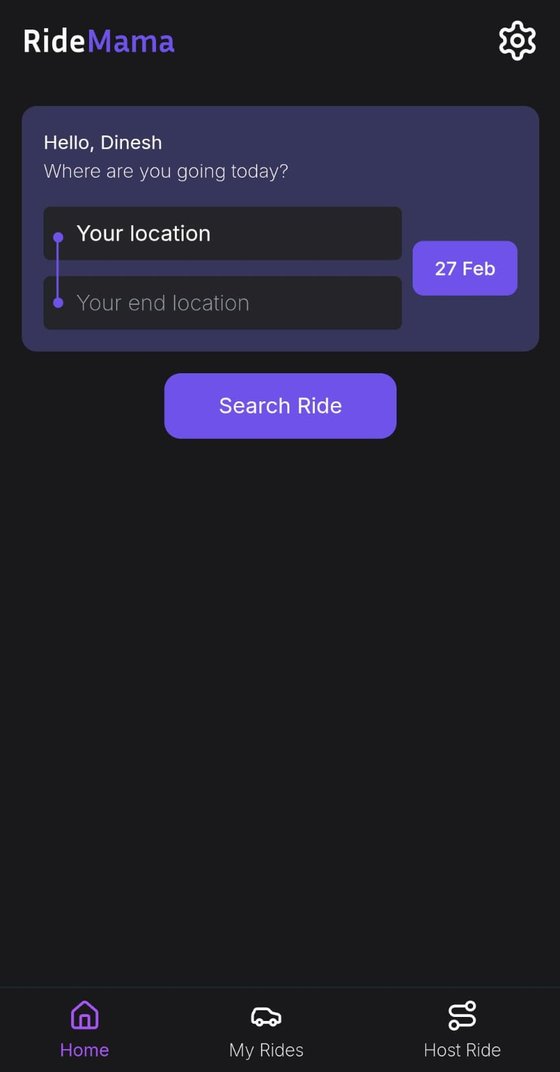
Work that shows how we do it.
Real projects where ui/ux product design did the heavy lifting, from the brief to launch.
Need it built too?
Design is most valuable when the same team carries it into code. Here's where it usually goes next.
- Web Design & DevelopmentThe designs are for a website or web app that needs building.
- Mobile App DevelopmentThe designs are for an iOS and Android app.
- SaaS Product DevelopmentIt's a SaaS product, with roles, billing and an admin to design for.
- Brand IdentityThe product needs a brand underneath it before the interface.
- MVP DevelopmentYou're testing a new idea and want design and build in one go.
- Product ModernisationAn existing product needs a refresh along with its codebase.
Questions

The things people
ask us first.
If yours isn’t here, send it over. We reply within 1 hour, guaranteed, and you’ll get a straight answer rather than a brochure.
What's the difference between UI design and UX design?
+
UX is the structure: who the user is, what they're trying to finish, and the path through it. UI is how that path looks and feels: layout, type, colour and motion. A product needs both, and doing them in that order stops beautiful screens from being unusable.
Do you do research, or go straight to designing?
+
Always some research, in proportion to the problem. Sometimes that's two weeks of interviews and testing, sometimes three customer calls and an afternoon in your analytics. Designing with no evidence is just guessing expensively.
Do we need a design system?
+
If you have more than a handful of screens or more than one person building them, almost certainly. It stops the same button being invented five times and makes every later screen faster to design and build. For a small MVP, a light set of tokens and components is enough.
Can you design for a product you didn't build?
+
Yes. A large part of our design work is on existing products. We start by using it properly ourselves, then review it against your data before proposing anything.
What do we actually receive?
+
A Figma file organised so it's easy to navigate, a documented component library, a clickable prototype, specs for the non-obvious behaviour, and a session walking your team through all of it. The file is yours.
Can you also build what you design?
+
Yes, and most clients have us do both. Design and engineering in one team removes the gap where intent usually gets lost.


Where ambitious
ideas become reality.
We design, develop, and support digital experiences that turn ambitious ideas into meaningful products.